Reflection
For my Final Project, I recreated Project One using Replit. Going into this project, I wasn’t sure what to expect using Replit because this was the first time I had used Replit in general, much less for creating a website.
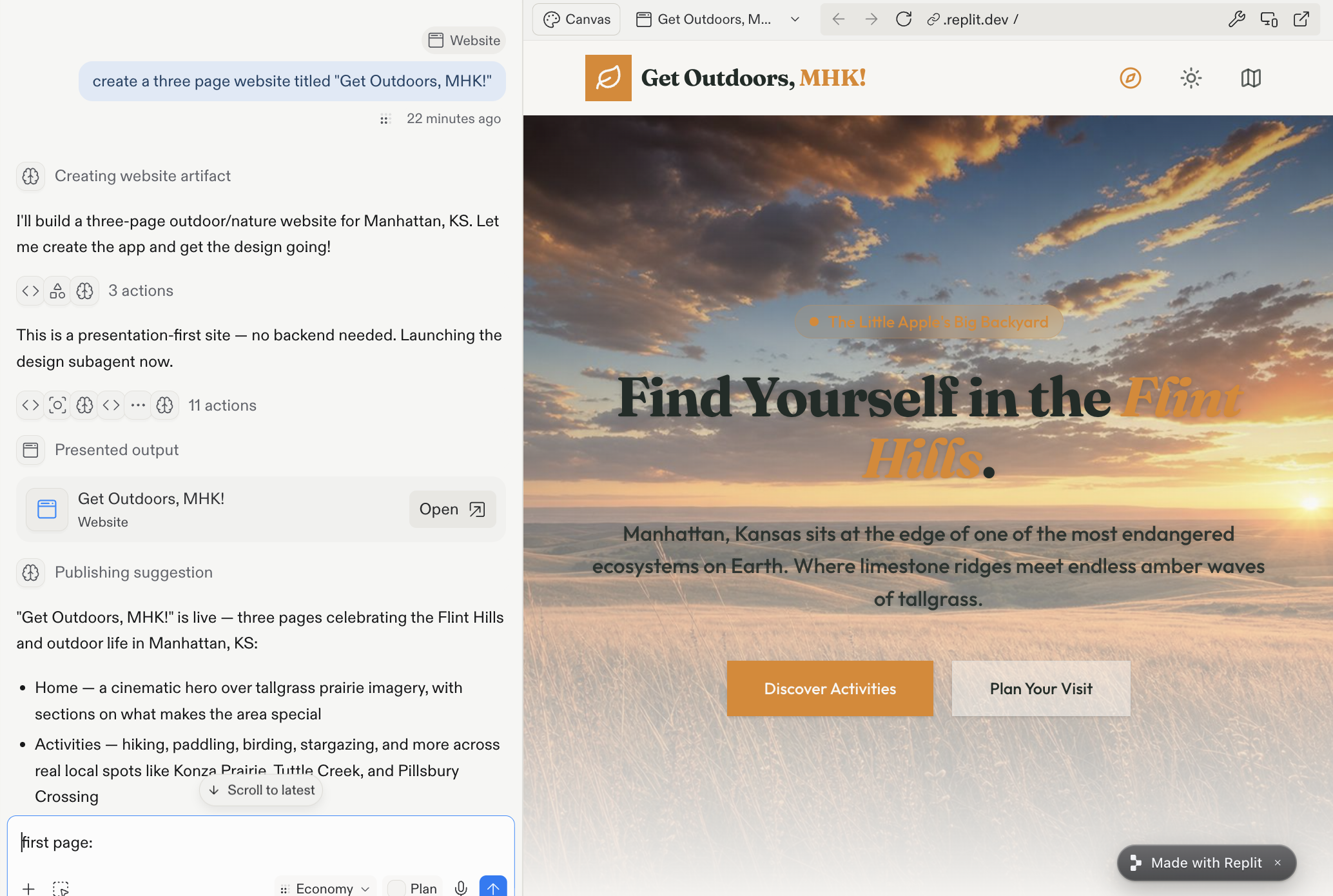
In order to learn how Repit works and what it can do with minimal prompting, I gave it a simple prompt of “create a three page website titled "Get Outdoors, MHK!"”
After the Replit ran the prompt and created the webpage, I decided to start the process of rebuilding project one.
Version One
To start with I gave it what I considered a detailed prompt containing text, images, fonts, and specific features. As I began building the website, I quickly realized that Replit needed explicit prompts because it often filled in gaps of the prompt that were not specifically listed with what it wanted.
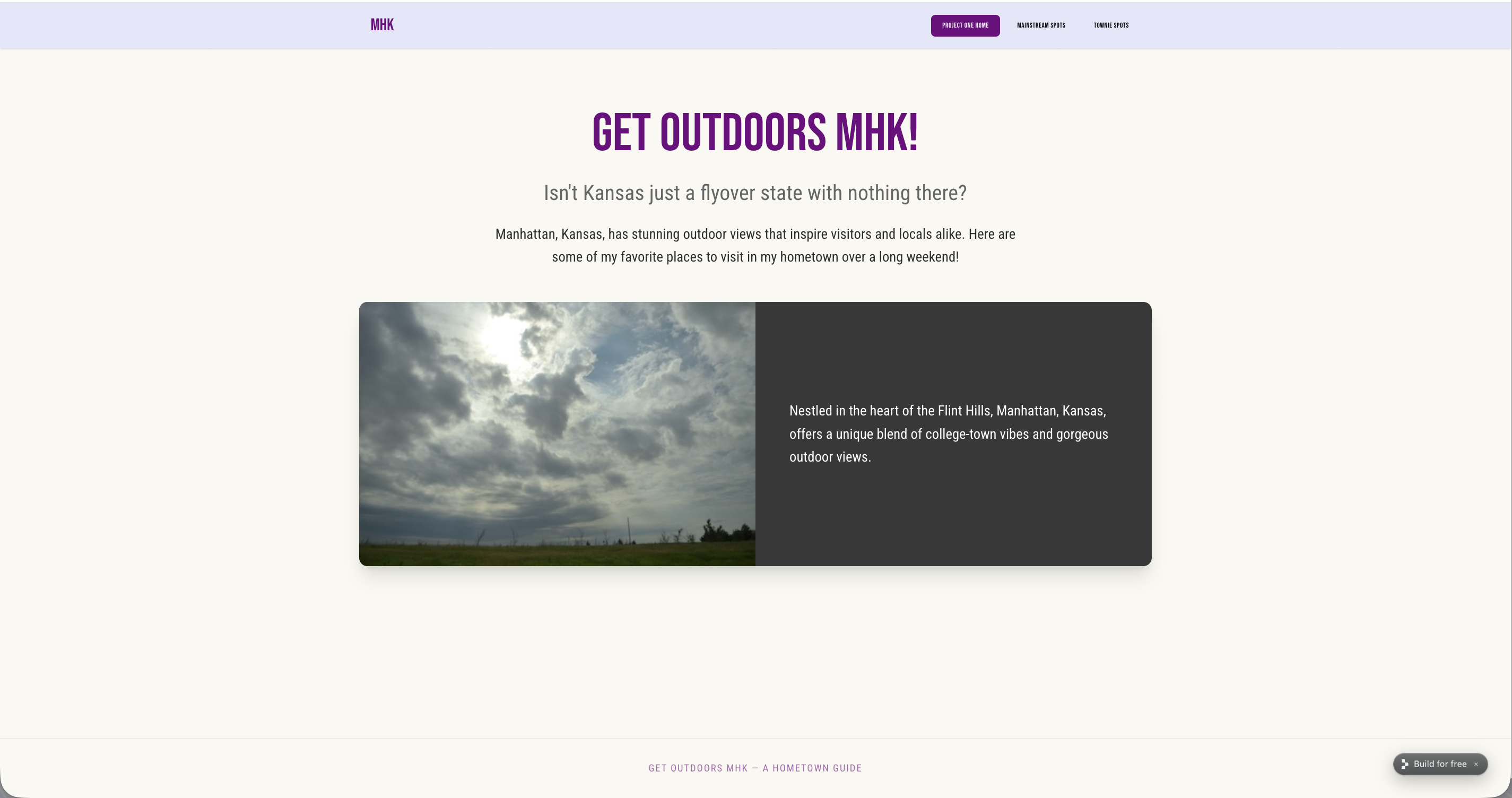
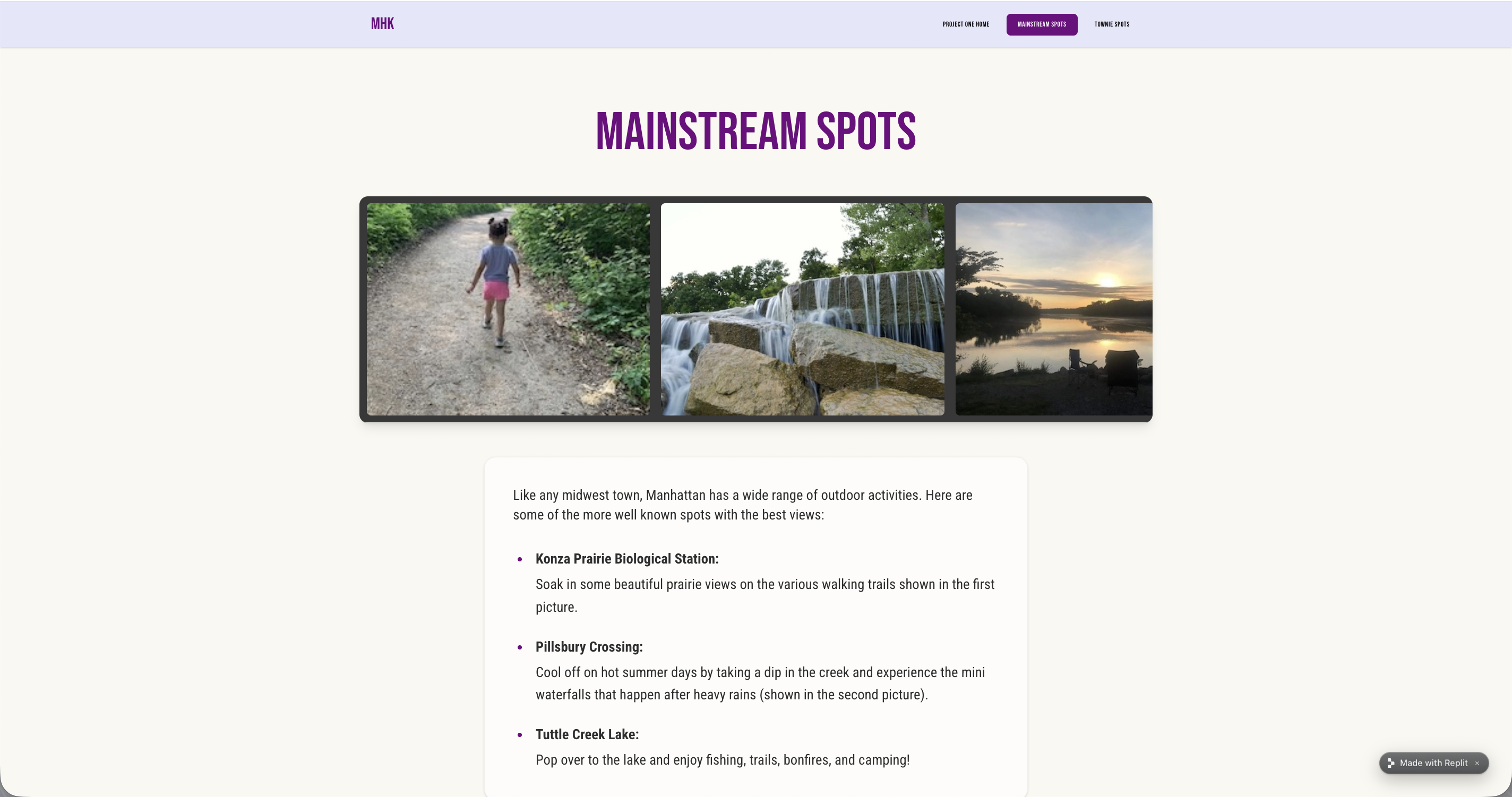
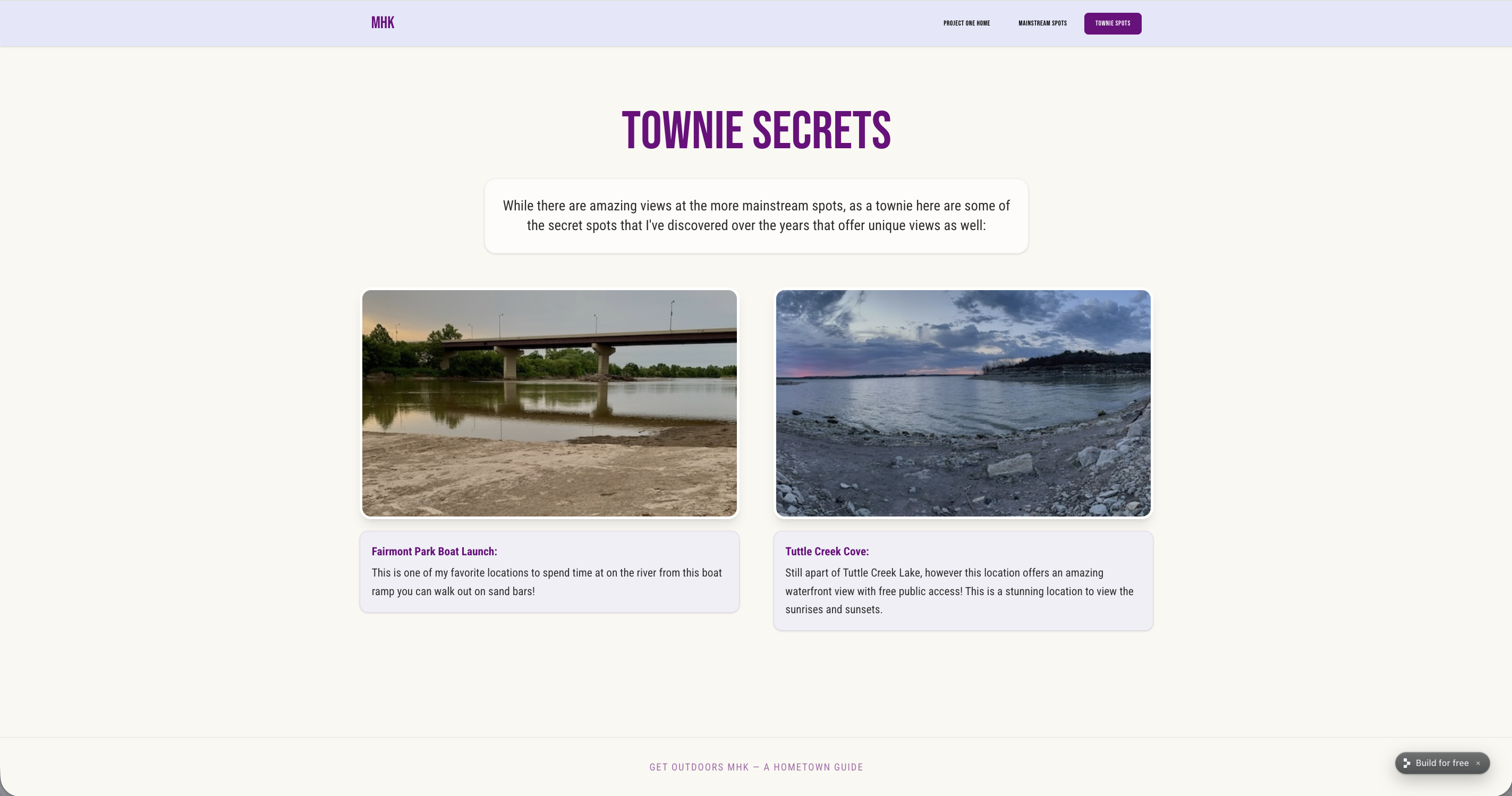
This wasn't something I thought to specify, because Bootstrap framework adds these as additional elements. To get Replit to create a website that mirrored what I created in Project One, it took 18 different prompts to have it look similar. I realized that the more prompts I gave it, the more the integrity of the original elements faded.
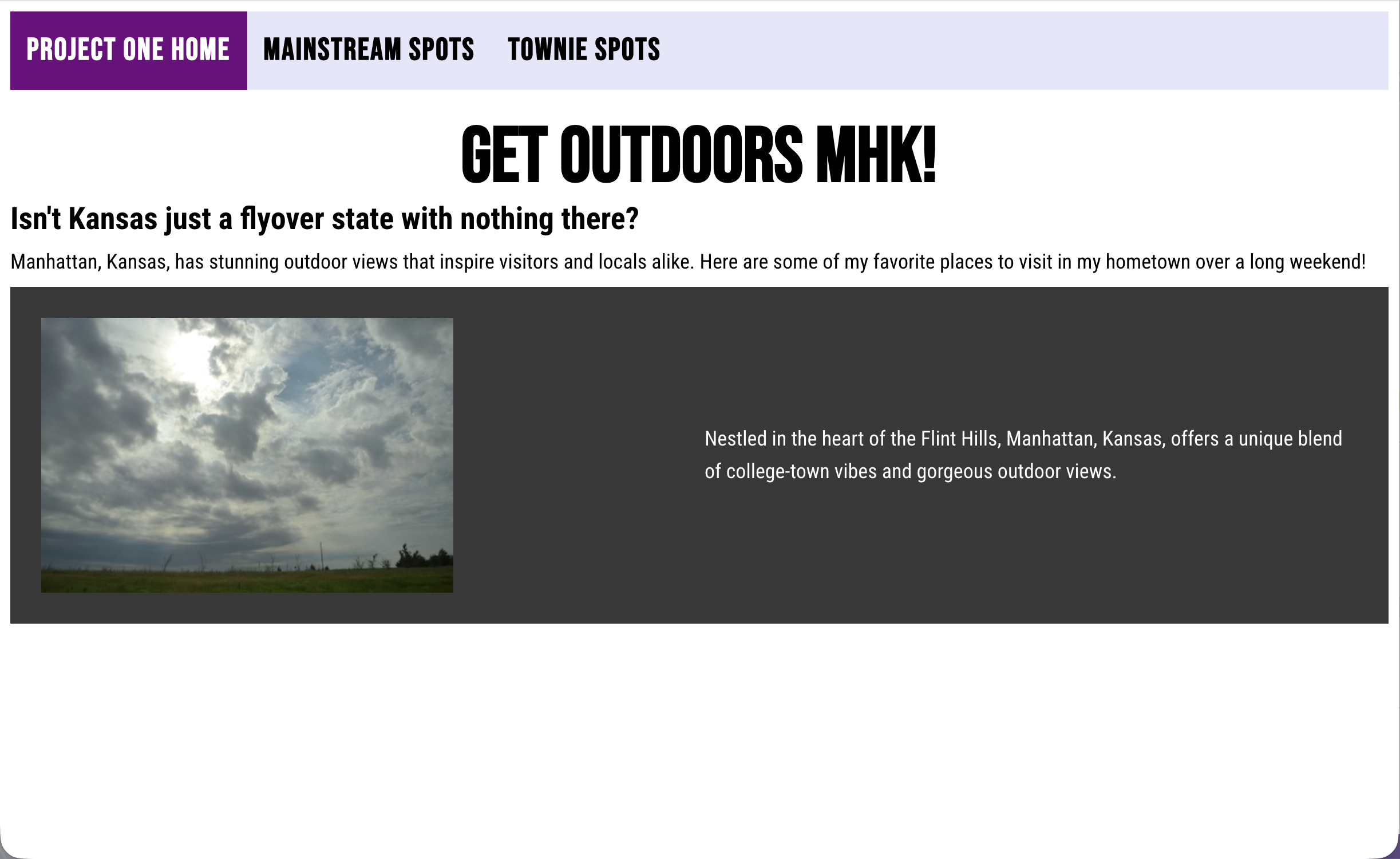
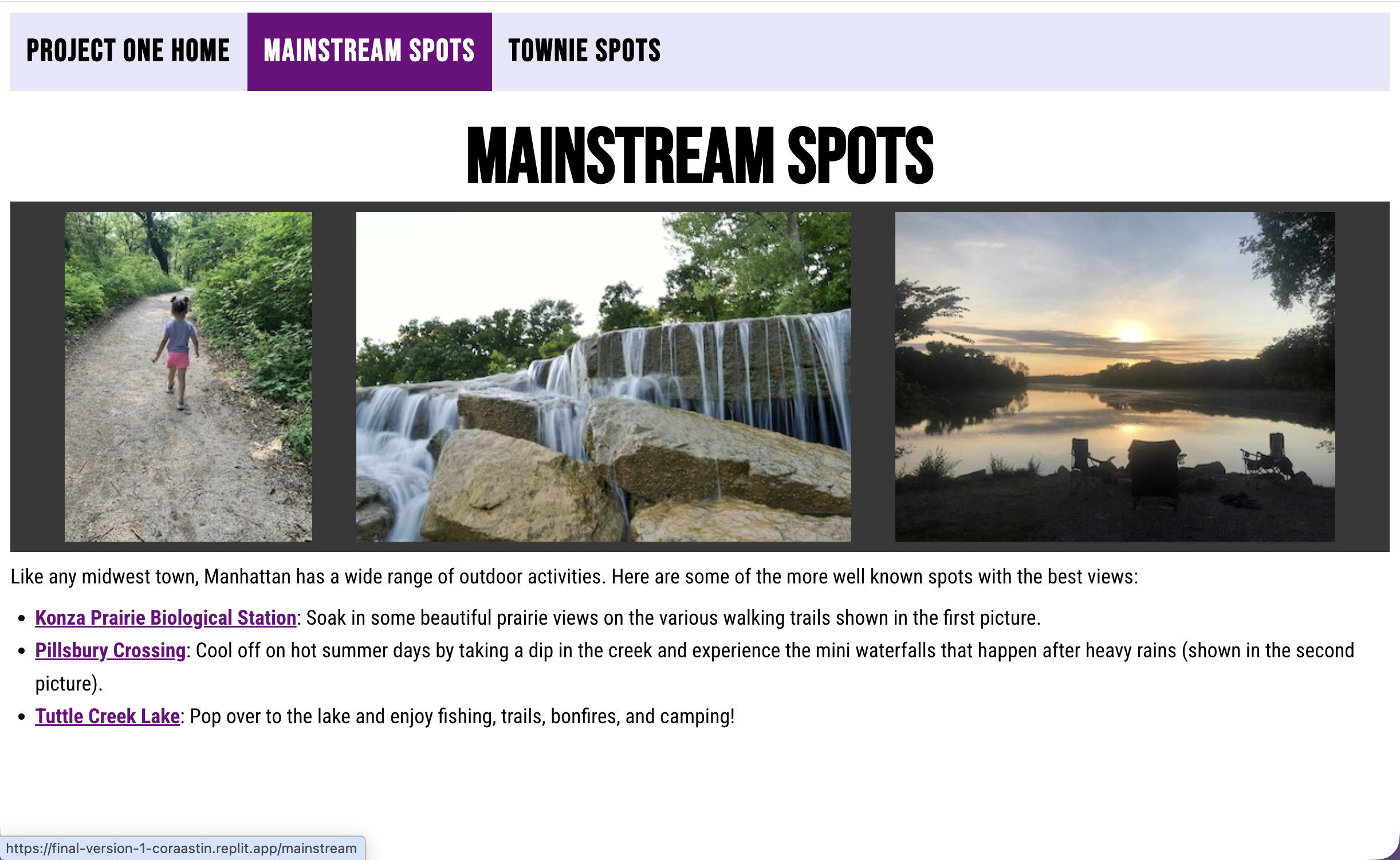
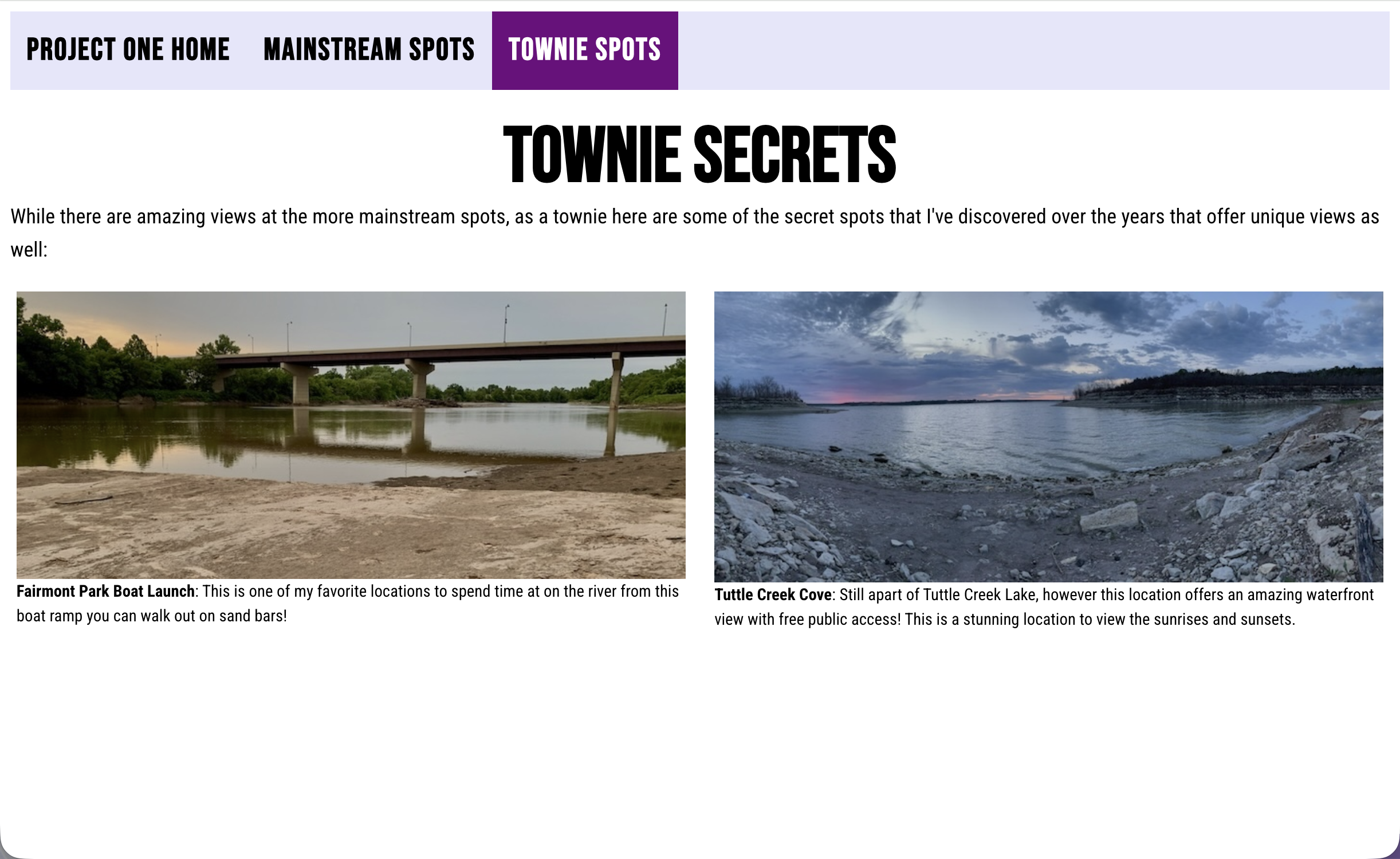
Version Two
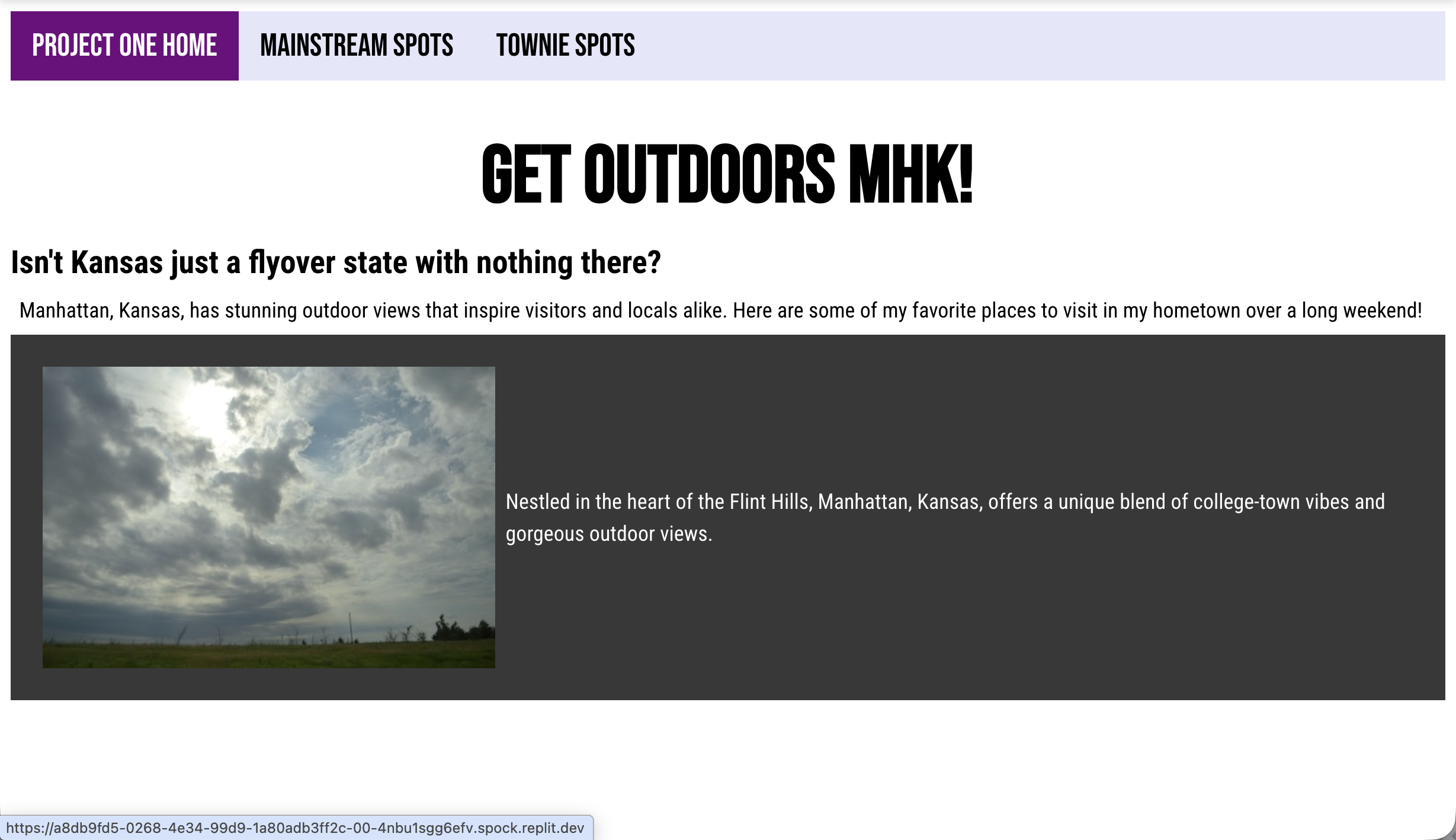
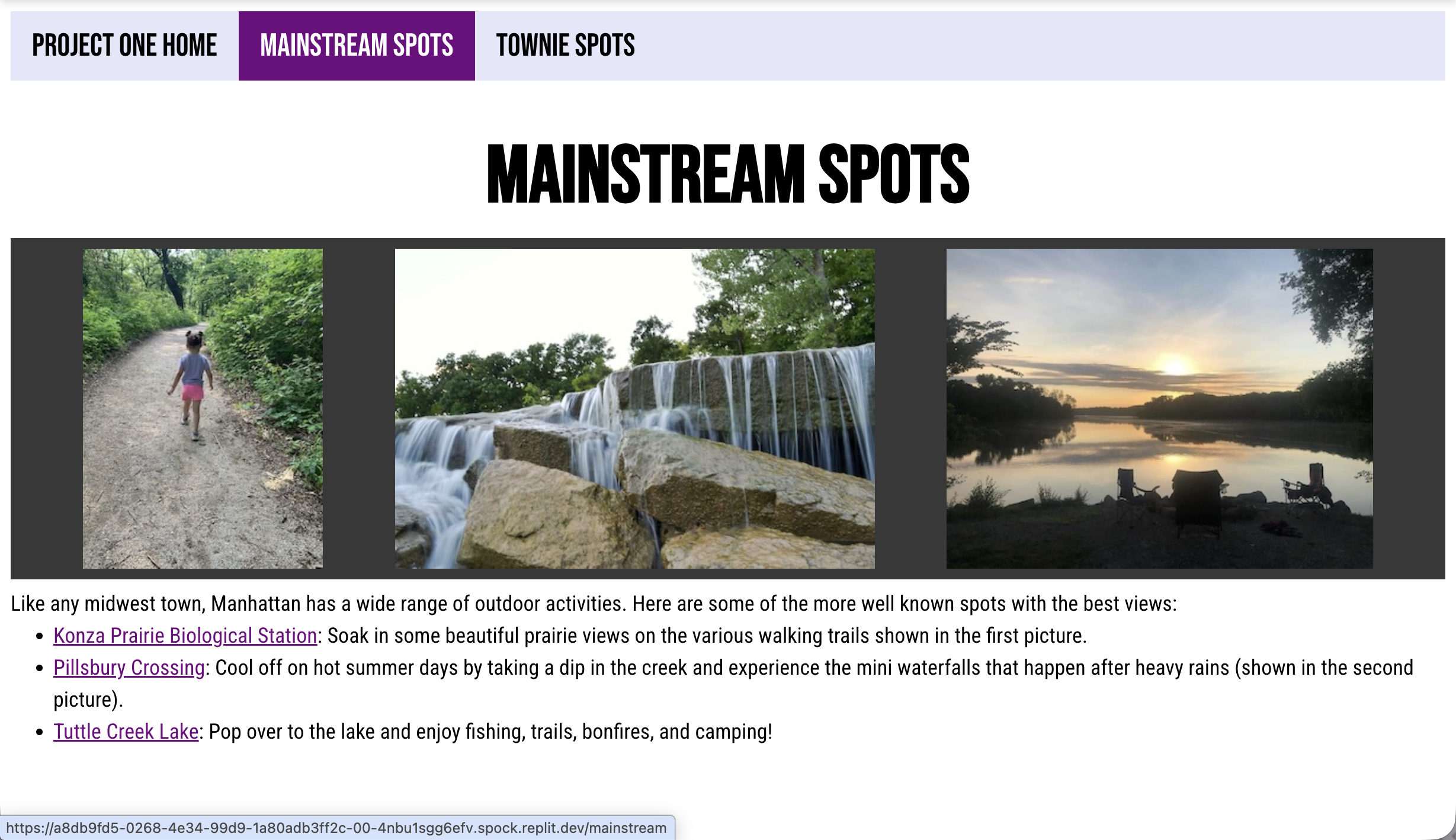
To challenge myself, I wanted to see how much information up front could I submit and Replit would be able to process at a time. Which is why I created a second version of the Final Project. Within this version, I was able to have it mirror Project One within four prompts.
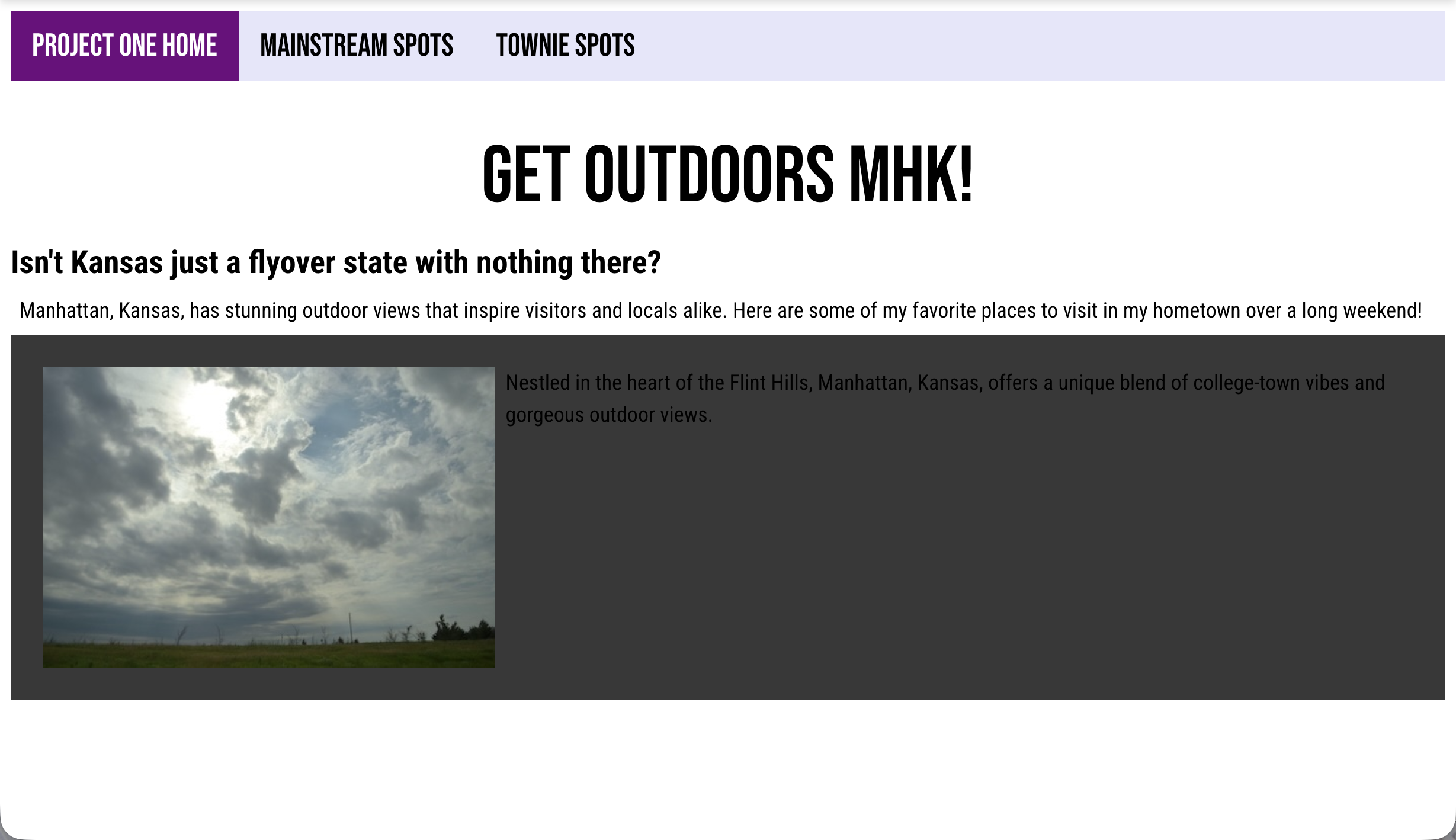
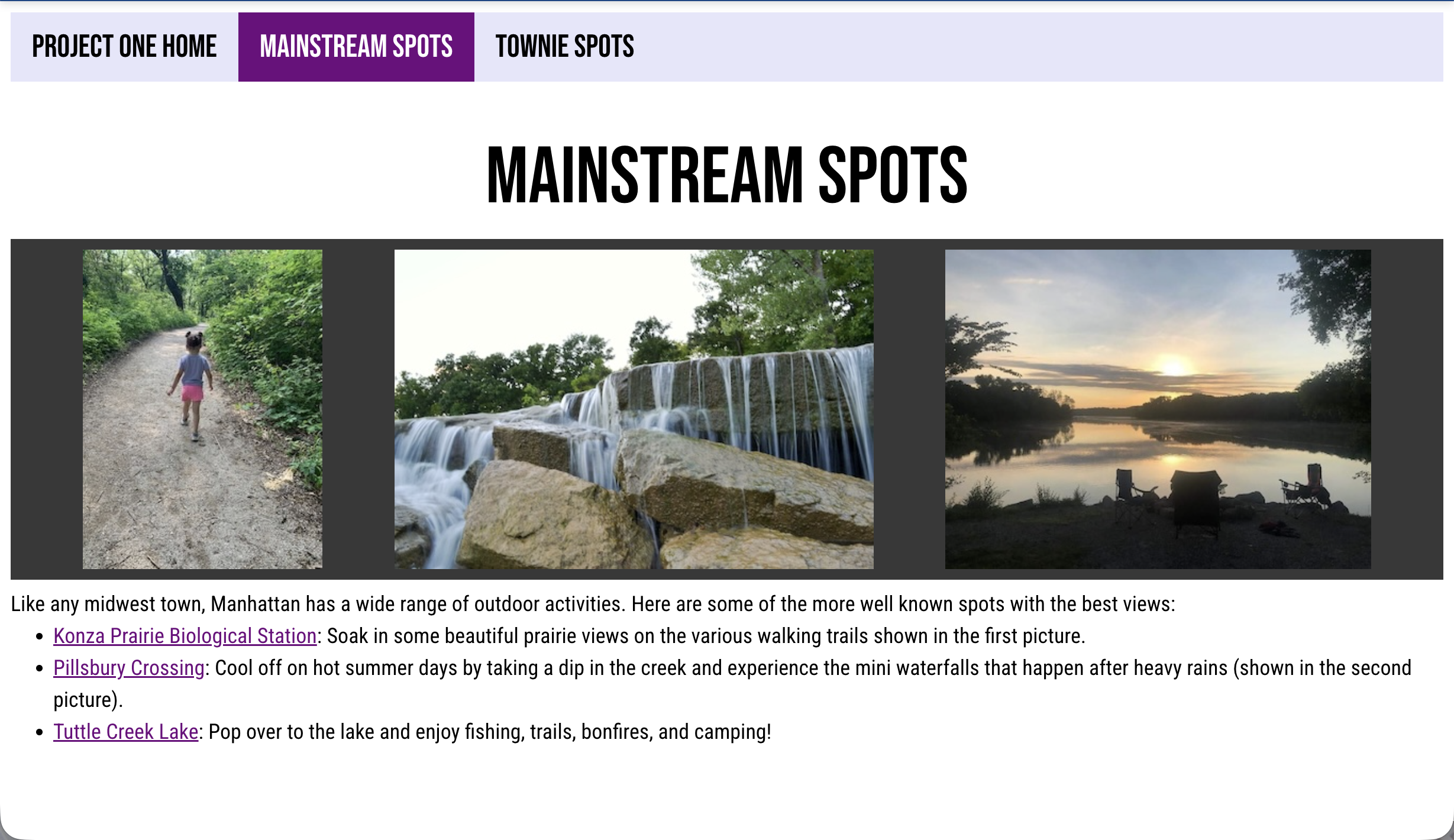
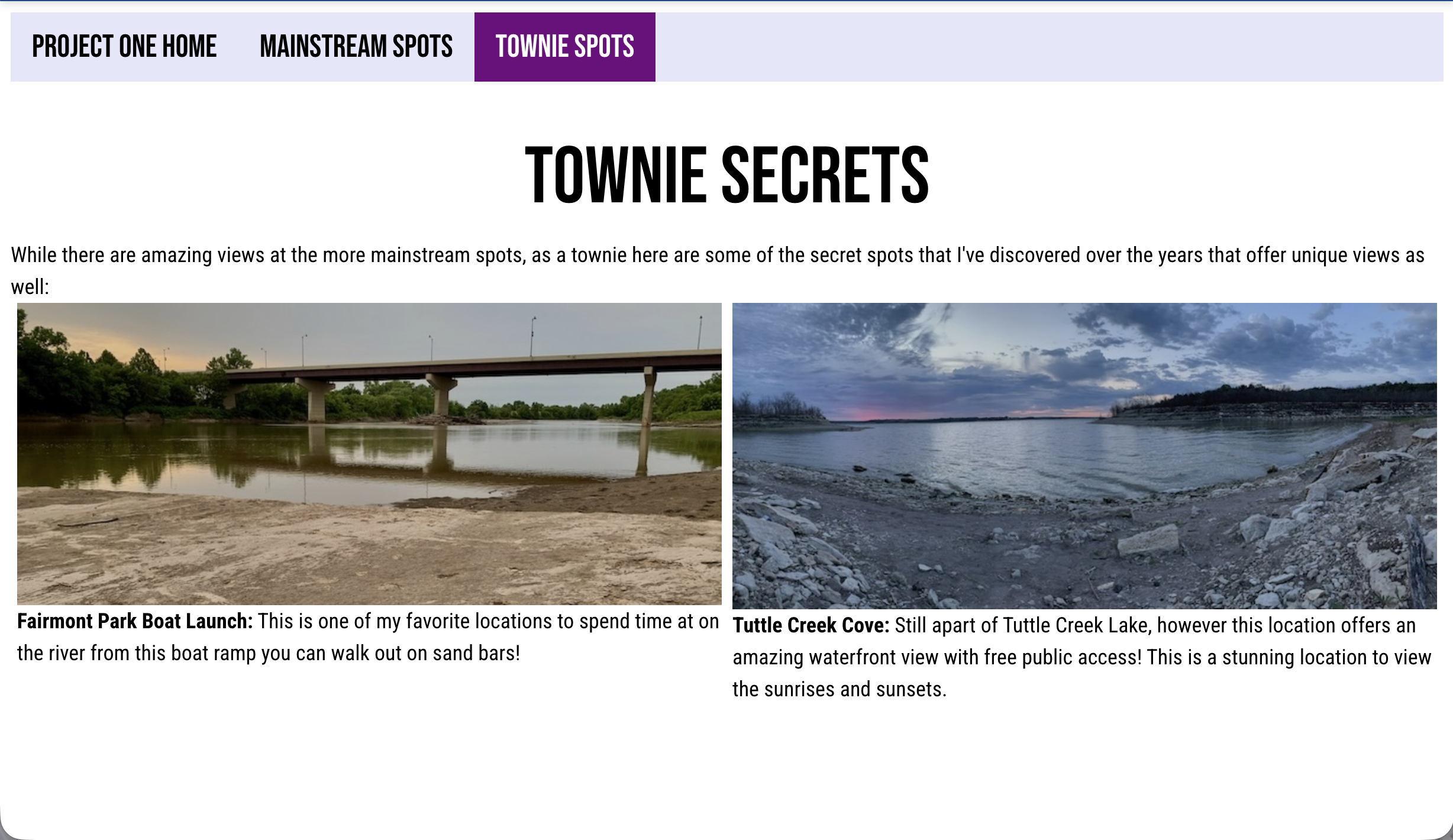
To start, I combined all of the prompts that I gave Replit in the first version to one long message and tried to organize it based on the following categories: NavBar & Footer, Content, Visual Cues (colors, fonts, and typography), Page Specific Cues, and General Notes. I will say that the last two prompts about fonts being bold were one that were included in the original prompt, but the information was skipped over.
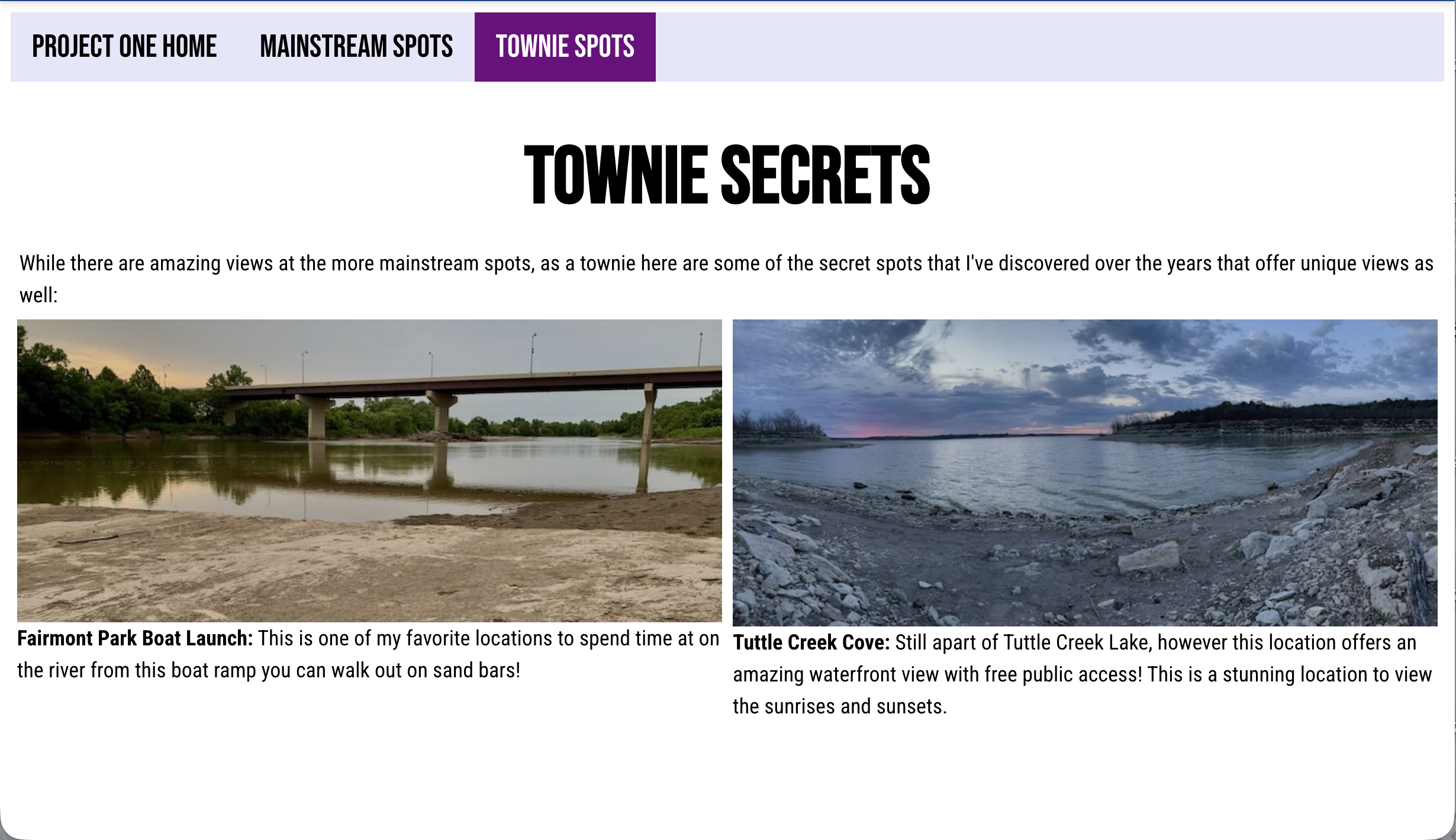
Overall Thoughts
Working through this project on Replit, I learned a lot about what type of information and how specific I needed to be for the prompt to be to get what I wanted. At times, it could get frustrating during the first version because I would send a specific prompt targeting an element and it would change either part of it or that element and something else on the same page. It was a definite learning curve to figure out what types of prompts to send Replit and how to communicate exactly what I wanted it to do. I definitely had to utilize Google on how to word specific actions I wanted Replit to complete without changing everything on that page.
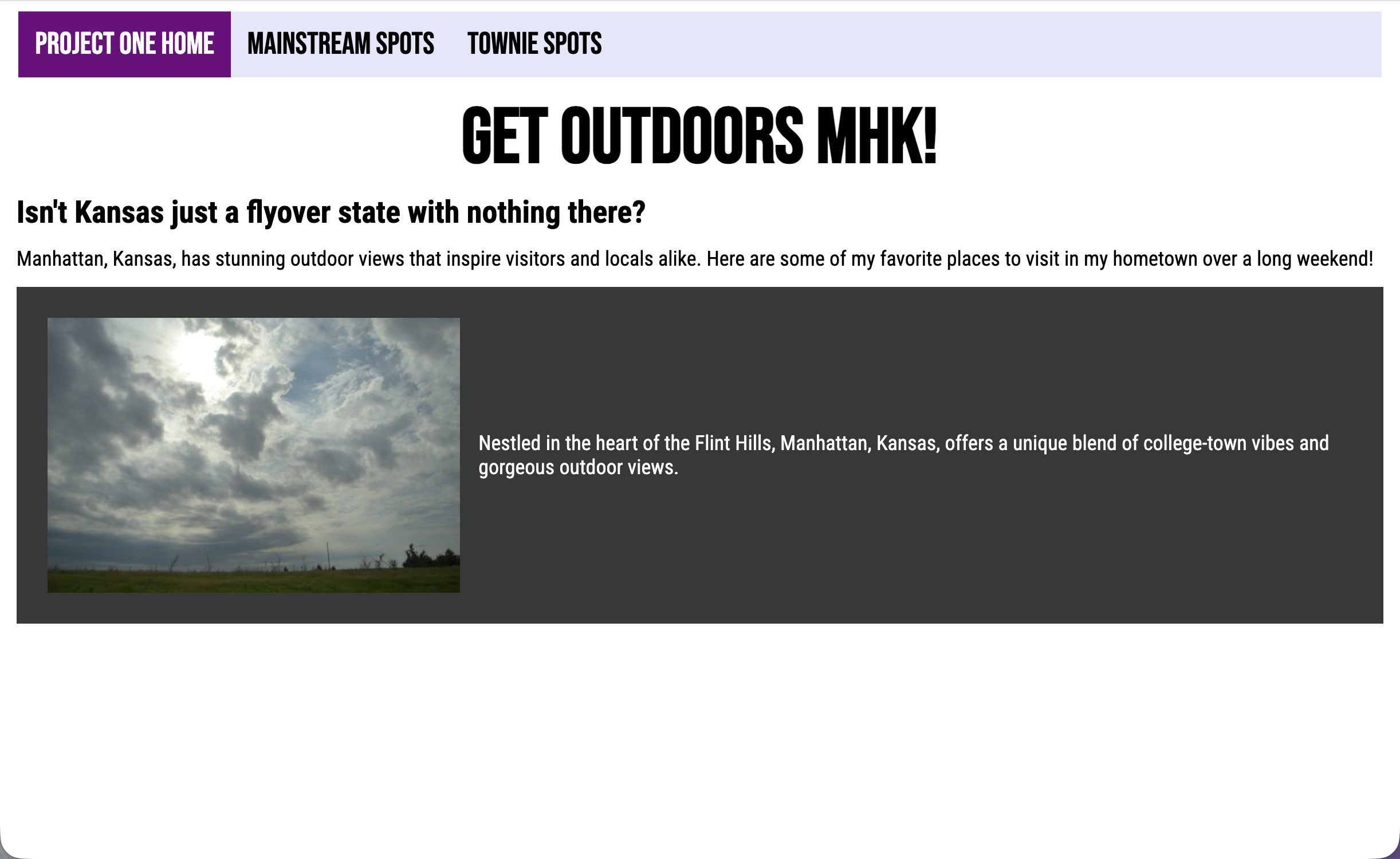
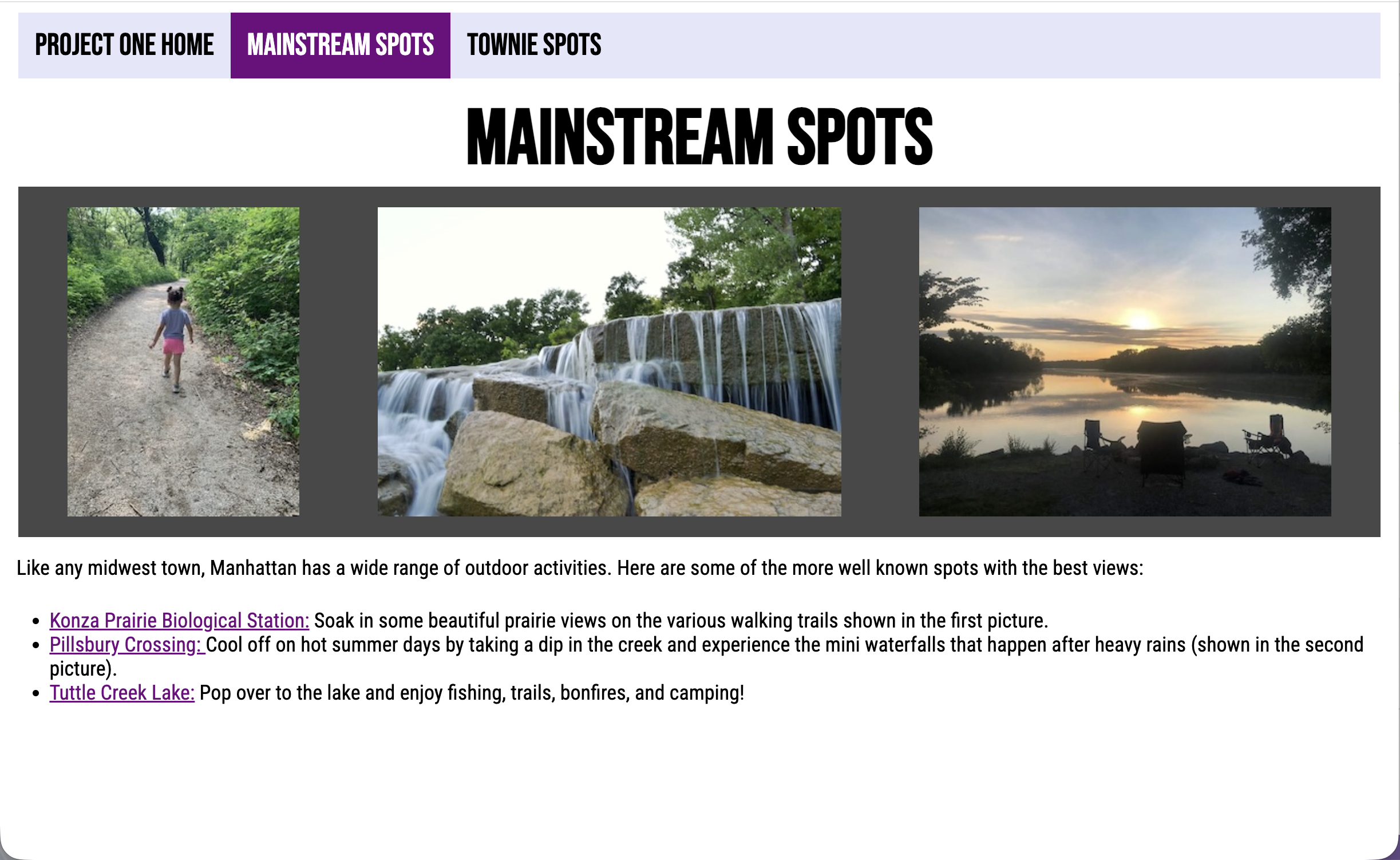
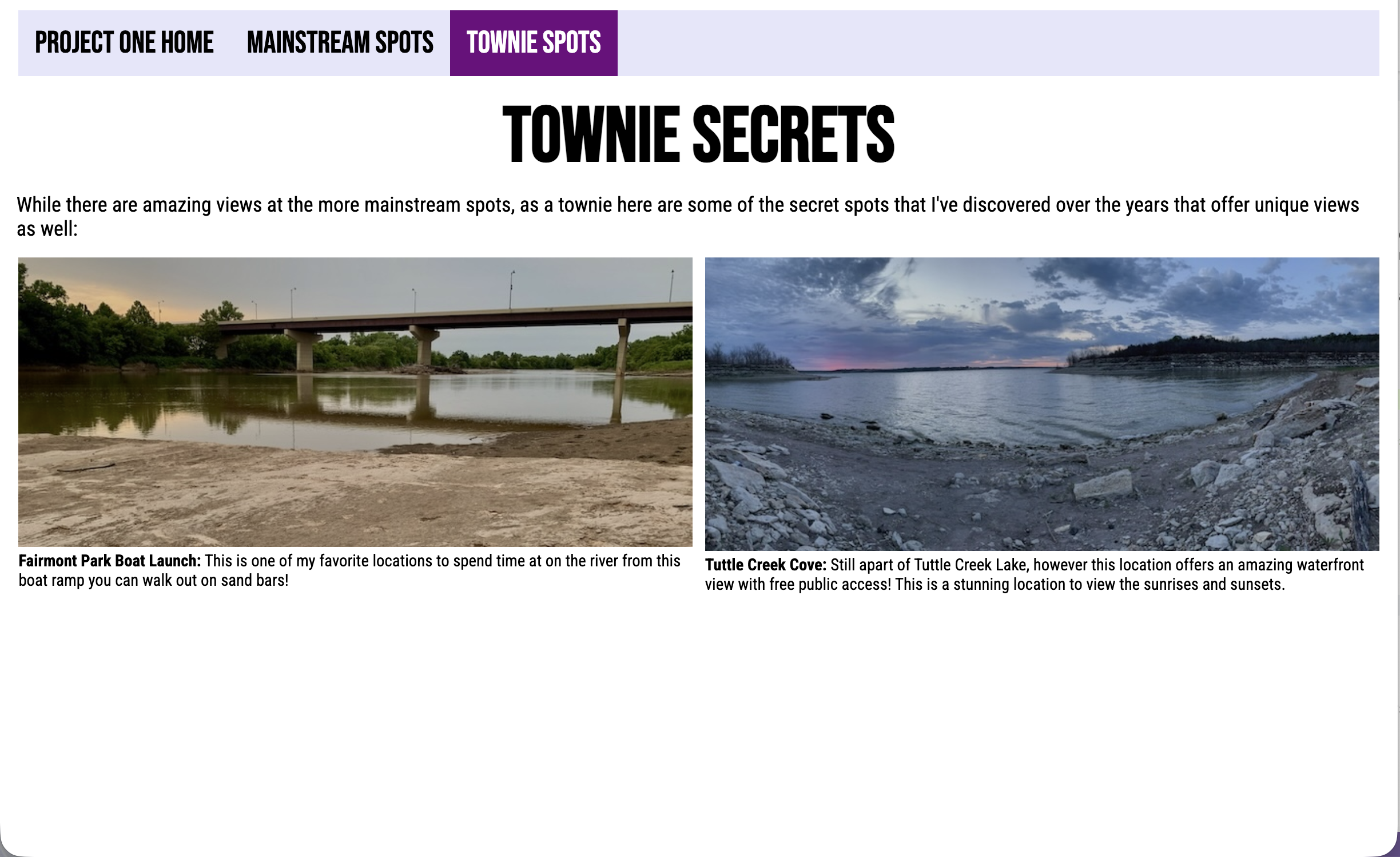
Overall, I am proud of how close I could get Replit to recreate Project One within four prompts. To be honest, I am not sure if I would create another website using Replit but it was good to learn how to use Replit in the first place. It’s a very powerful tool if used correctly and within the right context.